
Prepare your first quotation
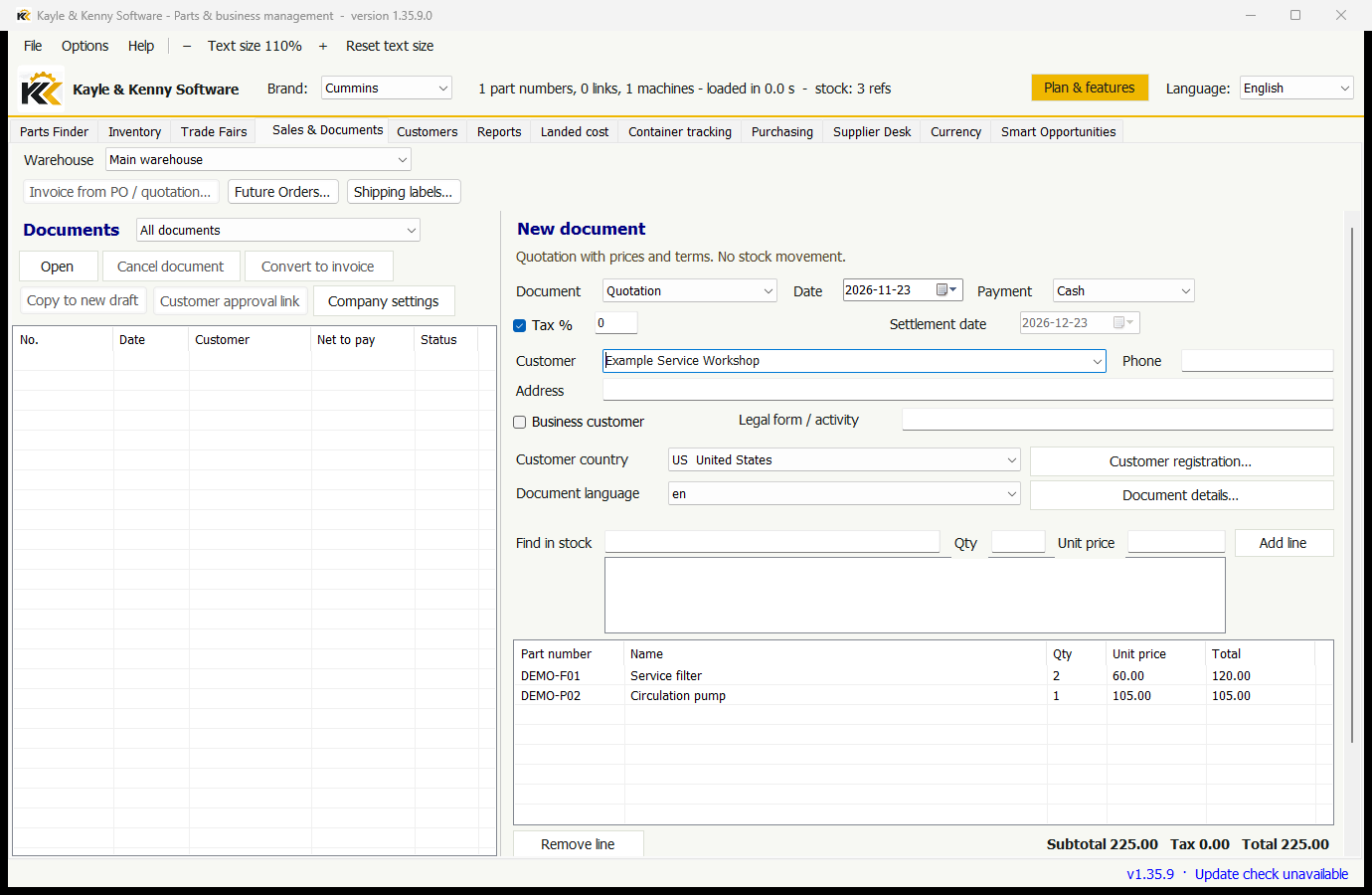
Open Options → Getting started → Create a quotation. Enter or select the customer in the sales editor.
Add a part, enter the quantity and selling price, then choose Add line. Repeat for the remaining parts.
Check the currency, quantities and total, then save the quotation. Reopen the saved quotation from the document list to review or print it.
Watch the walkthrough
English narration with subtitles.