Install the Windows app
Download the customer installer from the site on your Windows PC. If the app is already running, close it before updating.
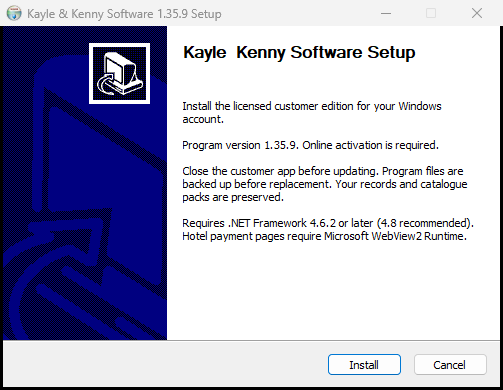
Open the installer. On the welcome screen, check the program version and follow the on-screen instructions. Setup installs the app for your Windows account. Choose Install on the welcome screen.
When setup finishes, open Kayle & Kenny Software from the shortcut. Have your licence key handy if you already subscribe.